See it in action
Demo
Watch the MCP server being used with GitHub Copilot CLI to create databases, containers, and add items — all through natural language.
A lightweight Go server that gives AI assistants — GitHub Copilot, Claude, and others — direct access to your Cosmos DB databases, containers, and items through MCP.
See it in action
Watch the MCP server being used with GitHub Copilot CLI to create databases, containers, and add items — all through natural language.
Compatibility
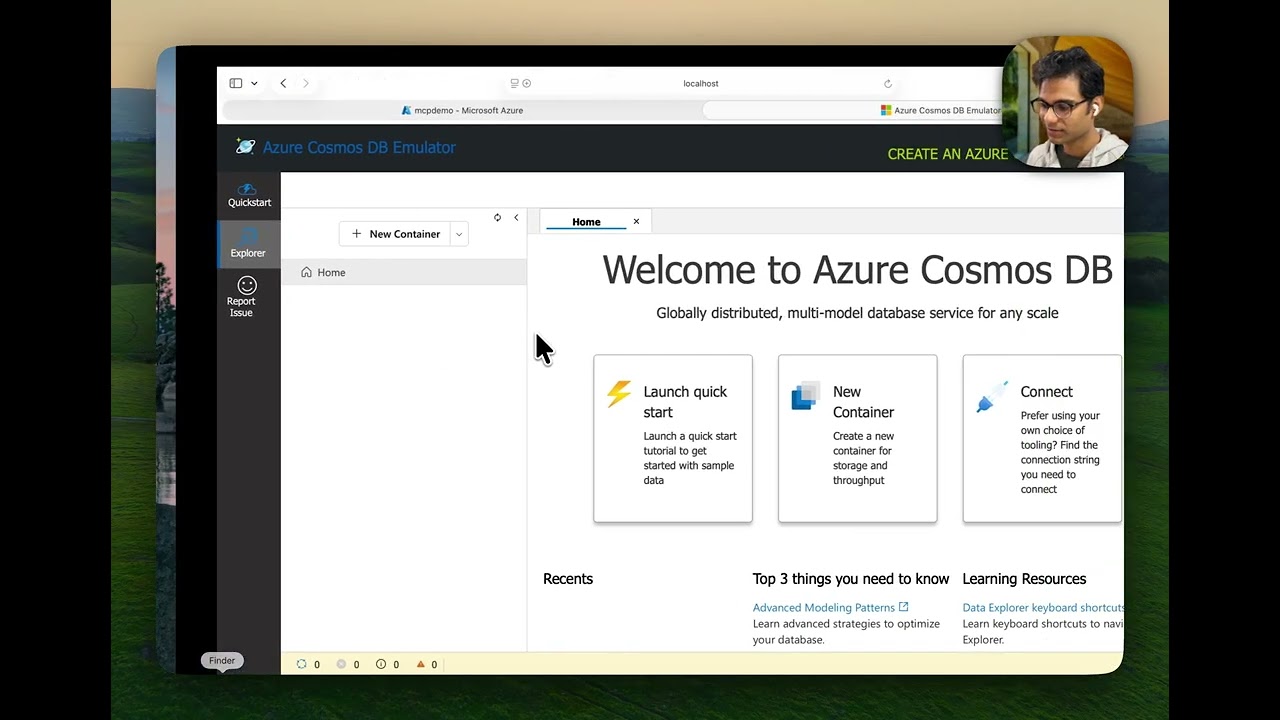
Use the same MCP server against the cloud service or a local emulator — no code changes needed.
Connect to your Cosmos DB account. Authenticates via DefaultAzureCredential — Azure CLI, Managed Identity, and more.
Run the Linux-based vNext emulator locally via Docker for fast, offline development and testing — no Azure account required.
Context
MCP (Model Context Protocol) is an open standard that lets AI applications connect to external data sources and tools through a unified interface. Instead of custom integrations for every service, MCP provides a single protocol that any AI assistant can speak.
This server implements MCP for Azure Cosmos DB, giving any MCP-compatible AI tool — VS Code Copilot, Claude Desktop, Claude Code, and others — the ability to list databases, query data, create containers, and manage items using natural language.
Capabilities
Everything you need to manage databases, containers, and items — exposed as MCP tools that AI assistants can invoke.
Retrieve all databases in your Cosmos DB account.
list_databases
Create a new database in the account.
create_database
List all containers in a specific database.
list_containers
Fetch configuration and metadata for a container.
read_container_metadata
Create a container with a defined partition key.
create_container
Add a JSON item to a container.
add_item_to_container
Get an item by its ID and partition key.
read_item
Run SQL queries with optional partition key scoping.
execute_query
Add multiple items using transactional batch operations.
batch_create_items
Architecture
A single Go binary sits between your AI assistant and Azure Cosmos DB, translating natural language into database operations.
Get Started
Build the binary, pick a transport mode, and point your MCP client at it.
Clone the repo and compile the Go binary.
Login via az login or azd auth login. The server uses DefaultAzureCredential.
Add the server to your mcp.json (VS Code) or equivalent config. Choose HTTP or stdio mode:
// mcp.json — HTTP transport
{
  "servers": {
    "mcp_azure_cosmosdb_go_http": {
      "type": "http",
      "url": "http://localhost:9090"
    }
  }
}

// Start the server:
export COSMOSDB_MCP_SERVER_MODE=http
./mcp_azure_cosmosdb_go
// mcp.json — stdio transport
{
  "servers": {
    "mcp_azure_cosmosdb_go_stdio": {
      "type": "stdio",
      "command": "./mcp_azure_cosmosdb_go"
    }
  }
}
# Clone the repository
git clone https://github.com/abhirockzz/mcp_cosmosdb_go
cd mcp_cosmosdb_go

# Build the binary
go build -o mcp_azure_cosmosdb_go main.go

# Or use the Makefile
make build